Artificial Intelligence
Why Most AI Agents Fail After the Demo, and How to Build Them for Production
Mirai Studios · Aug 25, 2026 · Updated Sep 4, 2026
AI agents are easy to demo and much harder to deploy reliably. Here is what separates an impressive prototype from an AI agent that can safely operate inside a real business.
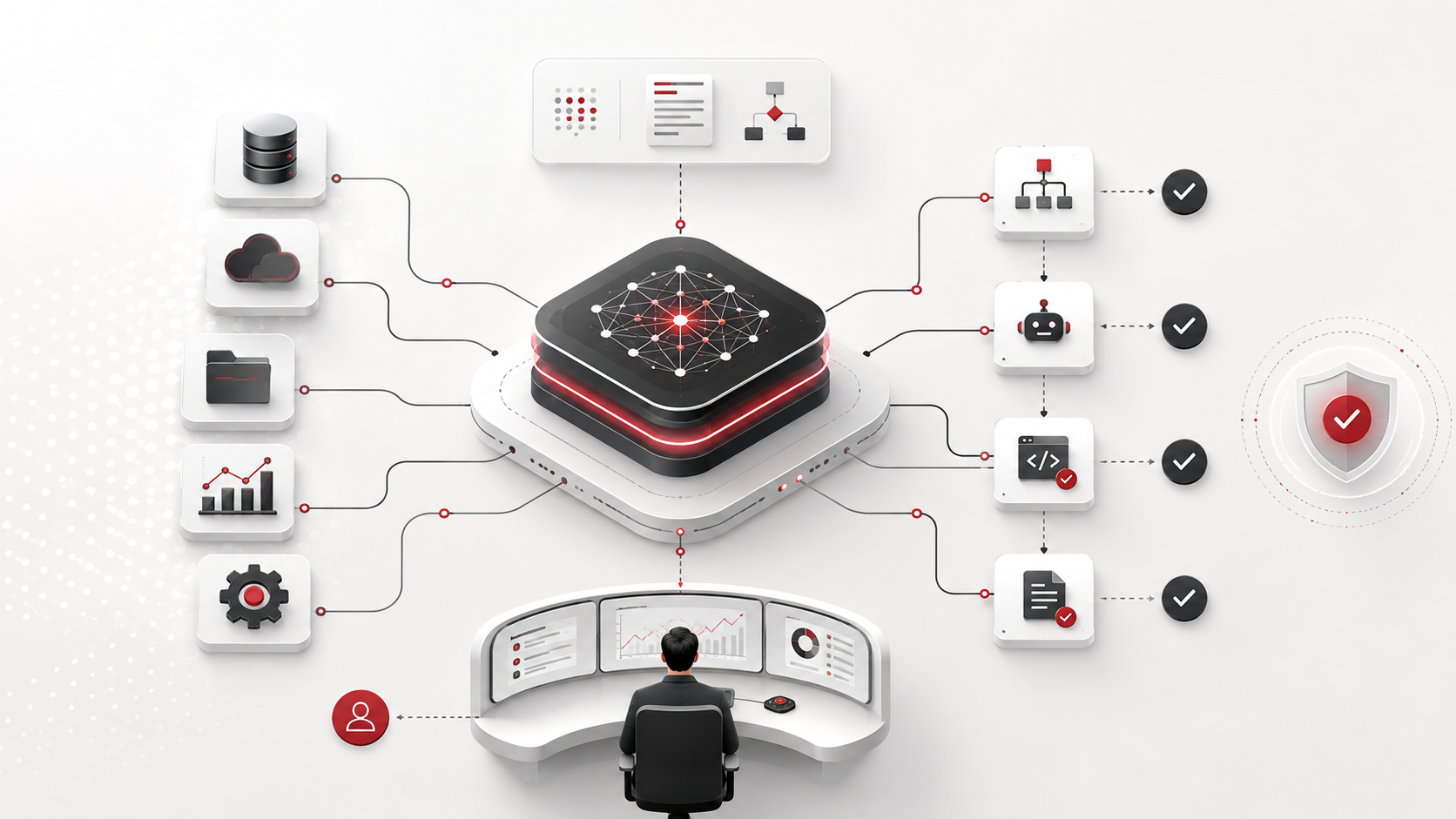
AI agents have become one of the most talked-about applications of artificial intelligence.
The basic idea is compelling: instead of giving a user another chatbot, give an AI system a goal, connect it to business tools, and allow it to take actions on behalf of the user.
A sales agent can research prospects. A healthcare agent can review clinical evidence. A support agent can investigate a customer's issue before generating a response. An operations agent can pull information from several systems and coordinate the next step.
Building a demonstration of this is relatively easy.
Building an AI agent that a business can safely depend on is not.
That distinction is where many AI projects fail.
A Demo Proves Possibility, Not Reliability
An AI agent demo is usually built around an ideal path.
The data is available. The API responds correctly. The user asks a predictable question. The model understands the request. The tool call succeeds.
Under those conditions, an AI agent can look almost magical.
Production environments are much less polite.
APIs fail. Data is incomplete. Users give ambiguous instructions. Permissions change. Models misunderstand intent. External services return unexpected results. Two systems disagree with one another.
A production AI agent therefore needs more than intelligence.
It needs an operational system around that intelligence.
1. Agents Need Clear Boundaries
One of the first mistakes companies make is giving an AI agent an extremely broad objective.
For example:
Manage our sales pipeline.
That sounds impressive, but it creates dozens of unanswered questions.
Can the agent contact customers automatically?
Can it modify CRM records?
Can it delete data?
Can it offer discounts?
Can it send proposals?
What happens when confidence is low?
A better implementation defines explicit responsibilities and boundaries.
An AI sales agent might instead be allowed to:
research a prospect
summarize available account information
recommend the next action
draft an outreach message
update specific CRM fields
request human approval before sending anything externally
The narrower and clearer the operating boundaries are, the easier the agent becomes to test, secure and improve.
2. Human Oversight Is a Feature, Not a Failure
There is sometimes an assumption that a successful AI agent should operate completely autonomously.
That is rarely necessary.
The better question is:
Which decisions should the AI make independently, and which decisions should require human approval?
Low-risk actions can often be automated.
Higher-risk actions can be routed to people.
For example, an agent might independently categorize incoming support tickets but require approval before issuing a refund.
An evidence-review system might automatically collect and organize research while requiring a specialist to approve the final interpretation.
This creates a human-in-the-loop architecture.
The goal is not maximum autonomy.
The goal is the correct level of autonomy.
3. Tool Use Needs Validation
Modern AI agents often interact with external tools such as:
CRMs
email platforms
ERPs
databases
calendars
document repositories
search systems
analytics platforms
internal APIs
Connecting an LLM to an API does not automatically create a reliable integration.
Every tool interaction needs validation.
Before an action executes, the system may need to verify:
whether the user has permission
whether required information exists
whether the proposed action is valid
whether the target record is correct
whether the request should require approval
After execution, the system should confirm that the expected result actually occurred.
This transforms tool calling from a clever AI feature into a controlled business workflow.
4. Memory Needs Architecture
Giving an AI agent memory sounds straightforward.
In reality, there are several different forms of memory.
An agent may need:
Conversation memory
What has happened during the current interaction?
User memory
What preferences or information should persist for this particular user?
Business memory
What information exists across CRM records, policies, documents or internal systems?
Task state
What stage of a multi-step workflow has already been completed?
These should not automatically be treated as the same thing.
Poorly designed memory can cause an agent to retrieve irrelevant information, use stale data or apply context from one situation to another.
Production systems need clear rules about what is remembered, where it is stored, how long it remains valid and when it should be retrieved.
5. Retrieval Quality Matters More Than Model Confidence
An AI model can produce a confident answer from incorrect information.
For enterprise applications, this creates a fundamental requirement: the system needs to know where its information came from.
This is particularly important for applications involving:
healthcare
legal workflows
financial information
compliance
technical documentation
internal company policies
Retrieval pipelines should prioritize authoritative sources and preserve enough source information for the user or system to verify important outputs.
The objective is not simply to make an agent answer questions.
It is to make the agent answer using the correct evidence.
6. Failure States Must Be Designed
Most product teams design what happens when the AI succeeds.
Production AI systems also need to design what happens when it fails.
Examples include:
a tool is unavailable
a document cannot be retrieved
confidence is insufficient
instructions conflict
a required field is missing
an integration returns unexpected data
the agent reaches its operational boundary
A reliable system should recognize these conditions and respond deliberately.
Sometimes the correct behavior is to retry.
Sometimes it should ask the user for clarification.
Sometimes it should escalate the task.
And sometimes the safest action is to do nothing.
Failure handling is part of the product experience.
7. AI Agents Need Observability
Traditional software can usually be monitored through predictable events.
AI systems introduce another layer of uncertainty.
Teams need visibility into questions such as:
What did the user request?
What did the agent decide?
Which tools did it call?
Which information did it retrieve?
What action did it perform?
Did the action succeed?
Was human intervention required?
How much did the interaction cost?
Without this visibility, improving an AI agent becomes guesswork.
Production systems need logs, audit trails and performance metrics that allow teams to understand how the agent behaves over time.
8. Start With a Workflow, Not a Model
One of the biggest strategic mistakes in AI development is beginning with:
Which model should we use?
The better starting point is:
Which business workflow are we improving?
Map the existing process first.
Identify:
what triggers the workflow
what information is required
which decisions are made
which systems are involved
which actions occur
where humans currently intervene
where errors create risk
which parts can realistically be automated
Only then should the team determine where AI belongs.
The model is a component.
The workflow is the product.
What Production-Ready Agent Architecture Looks Like
There is no universal AI agent architecture, but robust implementations usually contain several layers.
A production system may include:
user interface
authentication and authorization
orchestration layer
model layer
retrieval system
memory layer
business tools and APIs
validation rules
human approval workflows
observability
audit logs
fallback behavior
The AI agent sits inside this architecture.
It is not the entire architecture.
The Real Opportunity With AI Agents
The opportunity is much larger than adding chat interfaces to existing software.
AI agents can become a new operational layer between people and business systems.
Instead of navigating five applications, a user may eventually describe an objective and allow an intelligent system to coordinate the required work.
But businesses should resist the temptation to automate everything immediately.
The best agent deployments usually begin with a constrained workflow where:
the business value is clear
the necessary data exists
actions can be verified
failures can be contained
humans can intervene
Once that workflow becomes reliable, autonomy can expand.
Building AI Agents as Products
At Mirai Studios, we approach AI agents as products rather than isolated model integrations.
That means thinking about the entire system:
Product strategy → workflow design → UX → AI architecture → integrations → engineering → safeguards → deployment → iteration
The objective is not to create an impressive conversation with an AI model.
The objective is to create a system that can perform useful work repeatedly, safely and measurably.
That is the difference between an AI demo and an AI product.
Want to talk through a project?
Mirai Studios partners with teams building AI products, platforms and digital twins.
Request a call